Automatic cuts
Removes silences, pauses and dead air on its own. Your delivery stays tight and on pace.

Smart editing automation powered by local AI. Automatic cuts, silence removal and spot-on captions to help your content go viral.
Get Started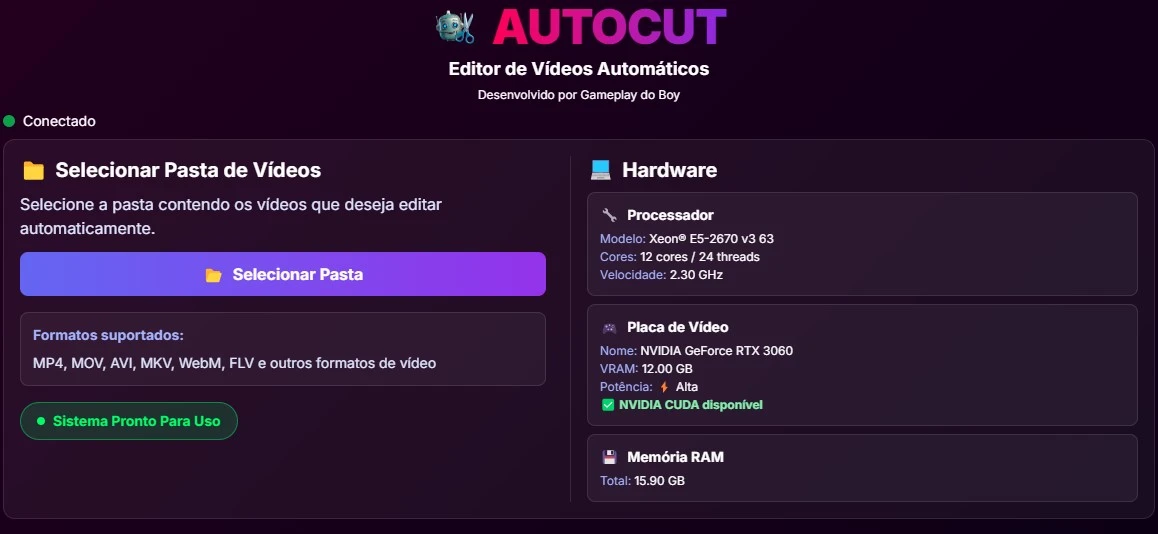
To use AutoCut, you need an account on our website. Just head to the Plans section and pick the plan that fits you.
| Component | Minimum | Recommended |
|---|---|---|
| CPU | Intel i5 / Ryzen 5 (64-bit) | Intel i5/i7 (10th gen+) / Ryzen 5/7 (3000+) |
| RAM | 8 GB | 16 GB |
| GPU | Integrated | NVIDIA GTX 1660 / RTX 2060 or better |
| Storage | 15 GB free (SSD) | 30 GB free (NVMe/SATA SSD) |
Edit your videos and manage your account right from your phone, wherever you are.
Get it on Google PlayEdit your videos and manage your account right from your iPhone, wherever you are.
Download on the App StoreAll editing runs on your device and your videos never leave it. Only the transcript is processed in the cloud, securely, to generate captions and find the best cut points faster, no matter how powerful your PC or phone is.
Cut hours of silence in a few clicks. Optimized for fast, direct export to TikTok, Reels and Shorts.
Privacy comes first. No content tracking, no third-party analysis.
You record and drop it in. AutoCut handles the tedious work automatically, in just a few minutes.
Removes silences, pauses and dead air on its own. Your delivery stays tight and on pace.
Strips out the “um”s, “uh”s, “like”s and repetitions that pad your video. Turn it on and choose how aggressive it gets.
Generated from your own speech, perfectly timed, with ready-made styles and entrance animations.
Clean joins between clips, with transitions that give your video a professional finish.
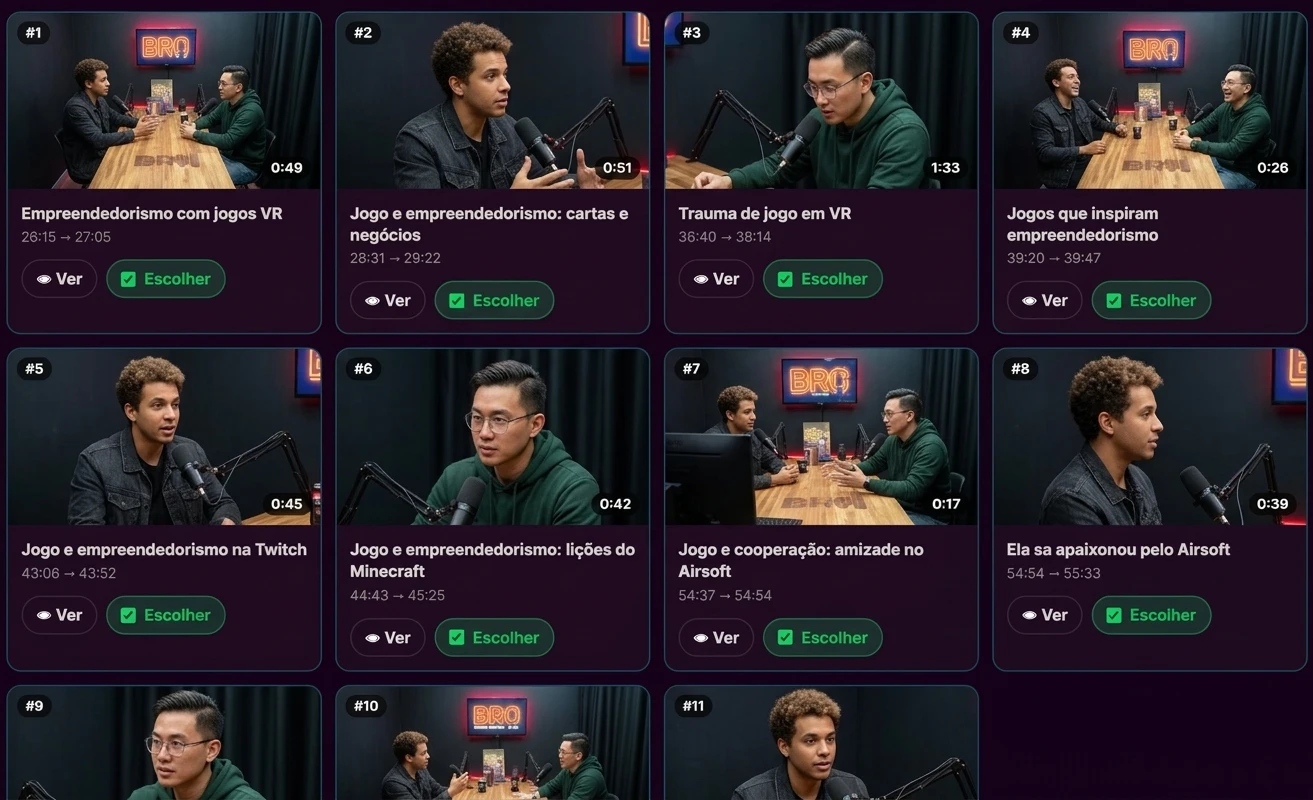
From a long podcast or livestream, it pulls out the best moments on the topic you choose.
Levels the volume automatically so your voice sounds clean and consistent from start to finish.
Exports in the right format for TikTok, Reels and Shorts: optimized, lightweight and hassle-free.
Edit on your computer or right on Android and iPhone, whatever works best for you, wherever you are.
AutoCut still cuts and captions your video on its own. What's new: it now understands what you said and adds animations, themed backgrounds and camera moves at just the right moment.
On PC, Android and iPhone. Everything is optional: turn on only what you want.
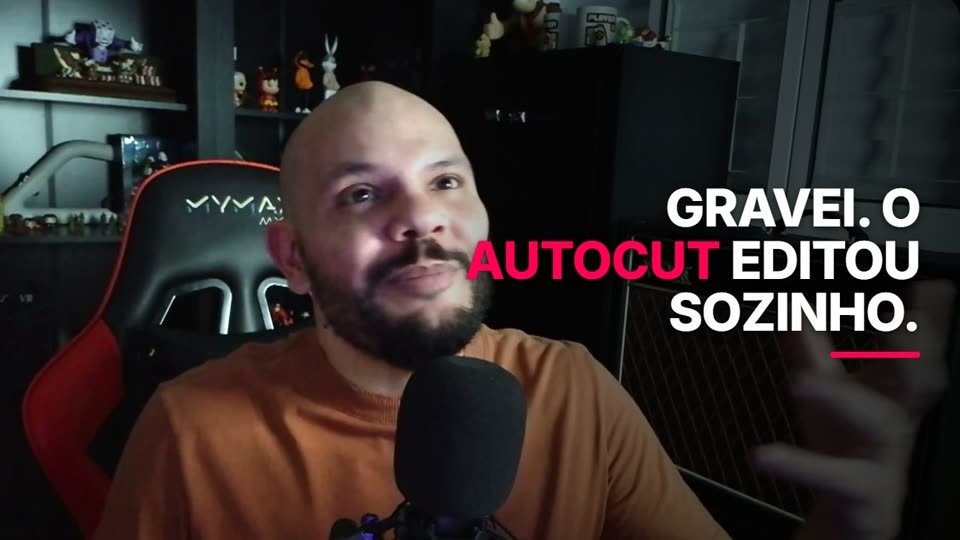
See every effectThis video was recorded in one take and edited by AutoCut, new animations and effects included.
AutoCut picks the right effect based on what you say. Browse the examples below, all generated by the app itself.
Your video's promise on screen from the very first second.
The number you said, counting up on screen.
A ring that fills up to the number you said.
Bars that grow with the values you mention.
Two scenarios side by side, with the new one highlighted.
Each step appears the moment you say it.
Dos and don'ts, checked off in real time.
Callouts for warnings, tips, common mistakes or don'ts.
Your strongest line in big, bold letters.
A memorable line to read on screen.
Ratios like "7 out of 10" shown as icons that light up.
Dates and milestones in order, in sync with your speech.
Introduces who's speaking.
Splits long videos into chapters.
A shower of emoji at the biggest moments.
Subscribe, link in bio, WhatsApp and more.
Punches in on key lines, eases back out and slowly zooms during longer takes, all while tracking your face.
Word by word, with numbers and key terms highlighted.
The best frame of your video with the title on top, saved right alongside it.
Pull clips from long videos like podcasts and interviews just by choosing the topic you want.
Watch a full walkthrough in this video