Cortes automáticos
Remove silêncios, pausas e tempos mortos sozinho. Sua fala fica direta e no ritmo.
Automação de edição inteligente com IA local. Cortes automáticos, remoção de silêncios e legendas perfeitas para viralizar suas redes sociais.
Comece Agora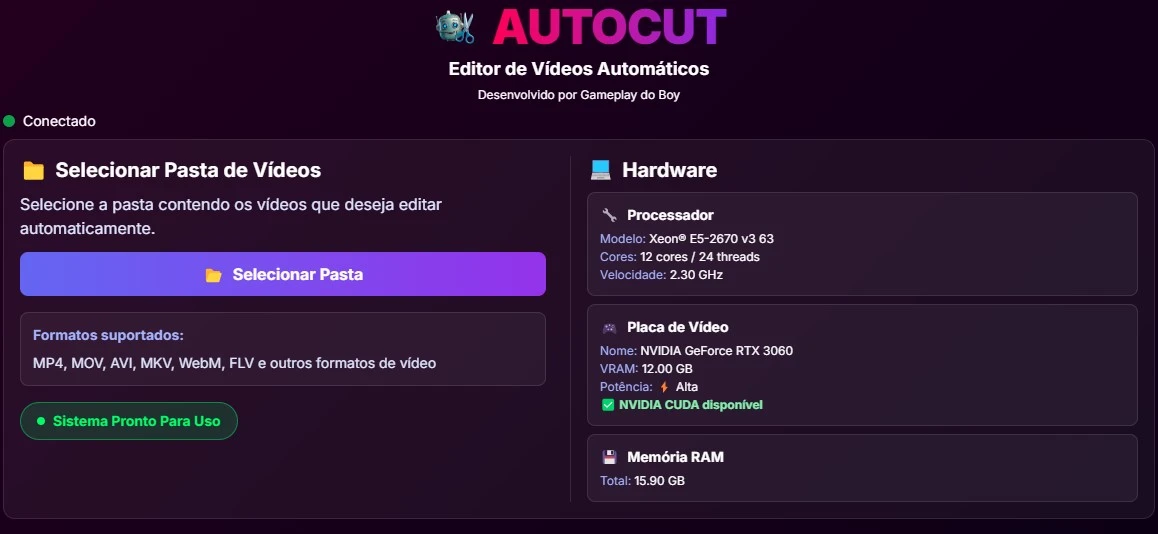
Para funcionar, é necessário que você crie uma conta em nosso site. Para isso, vá até a seção Planos e escolha qual plano você quer utilizar.
| Componente | Mínimo | Recomendado |
|---|---|---|
| CPU | Intel i5 / Ryzen 5 (64-bit) | Intel i5/i7 (10ª ger.+) / Ryzen 5/7 (3000+) |
| RAM | 8 GB | 16 GB |
| GPU | Integrada | NVIDIA GTX 1660 / RTX 2060 ou sup. |
| Armazenamento | 15 GB livres (SSD) | 30 GB livres (SSD NVMe/SATA) |
Edite seus vídeos e gerencie sua conta direto do celular, onde estiver.
Baixar na Google PlayEdite seus vídeos e gerencie sua conta direto do iPhone, onde estiver.
Baixar na App StoreSeus vídeos nunca saem do seu aparelho. Apenas transcrição é enviada para melhorias de legenda de forma totalmente segura.
Remova horas de silêncio em cliques. Otimizado para exportação veloz e direta para TikTok, Reels e Shorts.
Foco total em privacidade. Sem rastreamento de conteúdo ou análise externa.
Você grava e joga pra dentro. O AutoCut cuida do trabalho chato no automático, em poucos minutos.
Remove silêncios, pausas e tempos mortos sozinho. Sua fala fica direta e no ritmo.
Tira os “né”, “tá”, “ãh” e repetições que enchem linguiça. Você liga e escolhe a intensidade.
Geradas da sua própria fala, no tempo certo, com estilos prontos e animações de entrada.
Emendas entre os trechos com transições que dão acabamento profissional ao vídeo.
De um podcast ou live longa, ele separa os melhores trechos pelo assunto que você escolher.
Nivela o volume automaticamente pra sua voz sair limpa e constante, do começo ao fim.
Exporta no formato certo pra TikTok, Reels e Shorts, otimizado, leve e sem dor de cabeça.
Edite no computador ou direto no Android e no iPhone, do jeito que for melhor pra você, onde estiver.
Recorte trechos de vídeos extensos como podcasts e entrevistas escolhendo o tema que você quer.
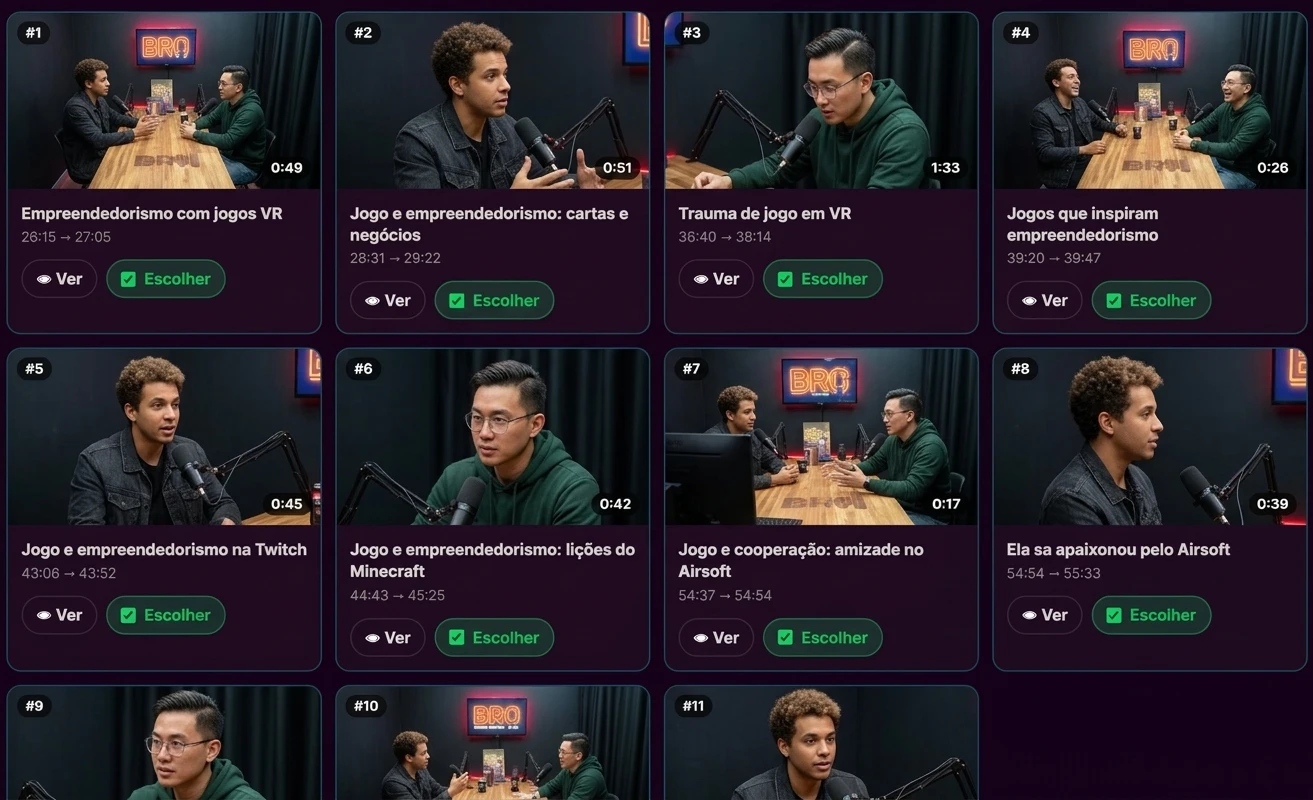
Neste vídeo tem uma demonstração completa